OnlyFans has a search problem. There are hundreds of thousands of creators on the platform and almost no useful way to find the right one from scratch. The native search is a joke, the algorithm pushes whoever’s already popular, and most people end up subscribing to the wrong account and regretting it fifteen minutes later. OnlyGuider is an independent discovery tool that indexes 342,000+ profiles with 100+ filters, free video previews on every card, and a location search that actually works. Here’s the full breakdown.
What Is OnlyGuider?
OnlyGuider is an independent OnlyFans search engine, no affiliation with OnlyFans itself. It works by indexing publicly available creator profiles and putting them into a searchable database you can actually filter and browse. No account required. No subscription. Completely free.
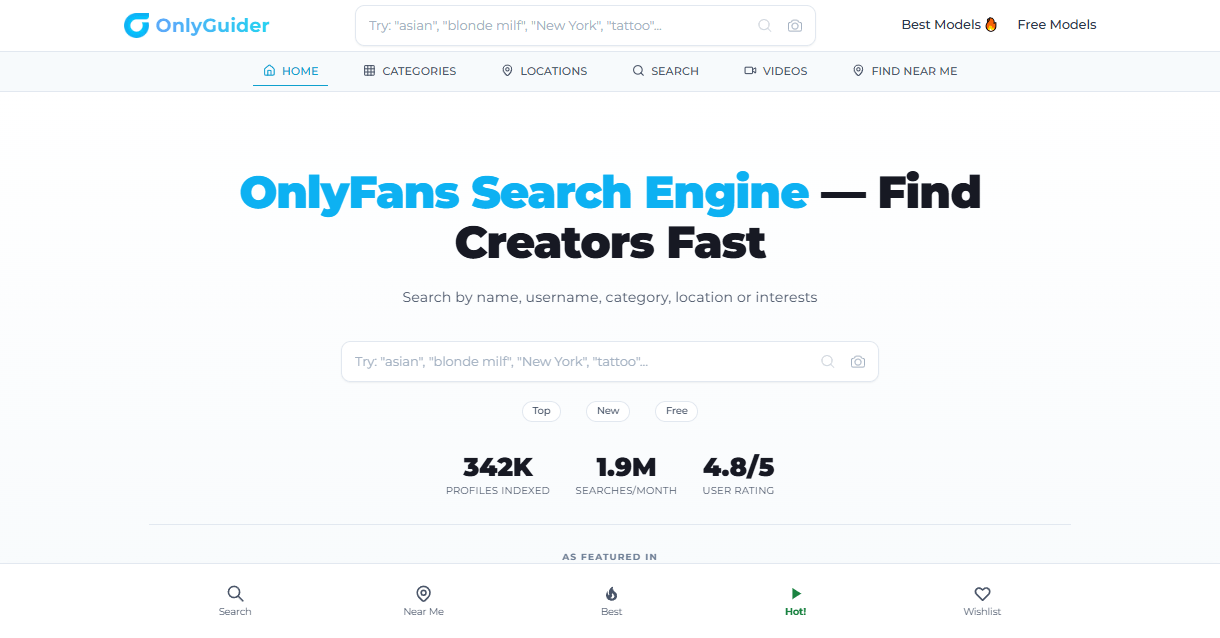
The site claims around 342,000 profiles indexed and roughly 1.9 million searches per month. Those numbers come from OnlyGuider’s own reporting, so treat them as directional rather than independently verified. What I can tell you from spending time on the site is that the index is large enough to matter. Search for most mainstream categories and you’re not staring at three results and an empty page.
They’re registered in the U.A.E. and have been running long enough to establish a name in the OnlyFans discovery space. Not a fly-by-night operation.
How a Search Actually Works
Land on the homepage and the interface hits you right away: clean, minimal, fast. No banner ads eating half the screen, no pop-ups demanding you register before you can see anything. Just a search bar and a grid of creator cards with preview thumbnails.
Type a keyword and results come back quickly. Each card shows the creator’s username, a profile photo, their price or “Free,” subscriber count, and a bio excerpt. Here’s the part that genuinely surprised me: the cards include short video previews. Hover over a card and a sample clip plays right there, no clicking through, no subscribing, just a quick look before you decide anything.
That changes how you browse. On OnlyFans you’re buying blind. Here you get a real taste of what someone posts before your credit card comes out.
Click through a result and you get the creator’s full profile page: bio, tags, price, and a direct link to their OnlyFans page. The whole flow from search to landing on an OF profile takes maybe 30 seconds. The site is genuinely mobile-responsive and doesn’t load like it’s fighting against itself on a phone.
The homepage also surfaces trending creators and recent additions if you’re just browsing without a specific search in mind. No JavaScript gymnastics. No three-second load times. It works the way a search tool should work.
The Filters Are Where It Gets Interesting
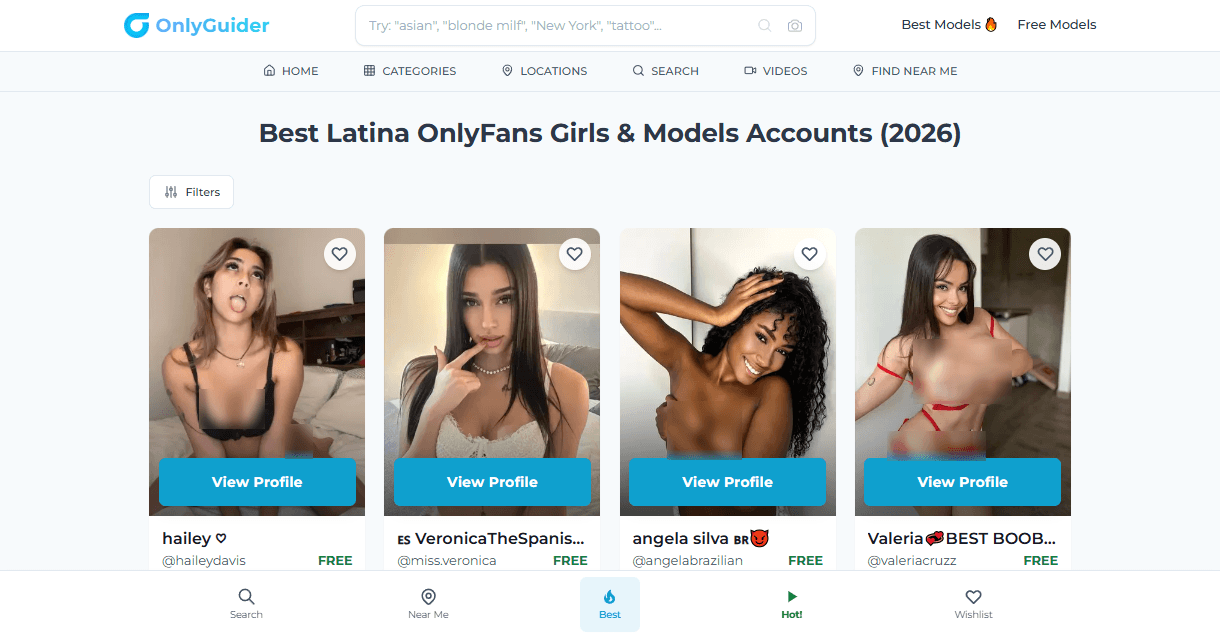
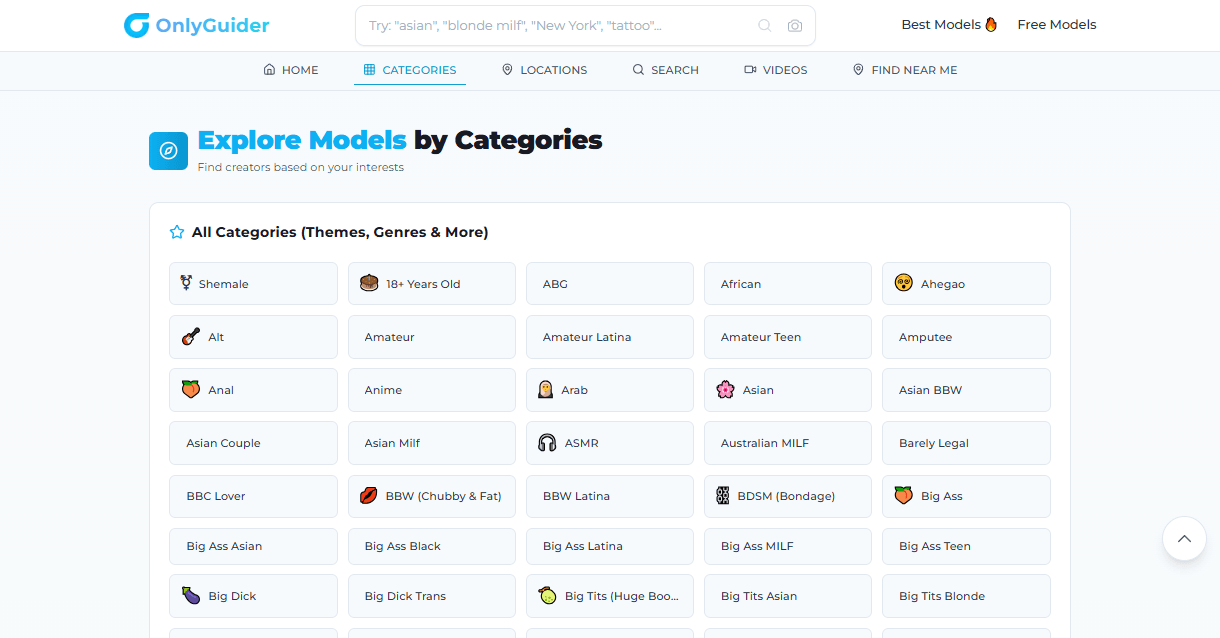
Keyword search is fine. Filters are where the OnlyGuider search engine earns its reputation as a real discovery tool rather than a glorified search box.
There are over 100 niche tags organized across eight filter groups, and the depth here is genuinely useful:
- Age: Teen, MILF, College Girl, Mature, the common categories, done properly.
- Ethnicity: Latina, Asian, Ebony, Indian, Arab, and several more. Not just two options.
- Body type: Petite, BBW, Big Tits, Curvy. Each links to a real pool of creators, not ghost categories with four profiles.
- Content/Kinks: BDSM, Fetish, JOI, ASMR, Anal, No PPV. The “No PPV” filter is actually smart design. If you’re tired of subscribing to someone and then getting hit with $40 pay-per-view messages every week, you can screen those accounts out before you ever subscribe.
- Gender/Orientation: Trans, Gay, Lesbian, Bisexual, proper categories with real coverage, not an afterthought.
- Lifestyle: Cosplay, Fitness, Goth, Gamer Girl. If you care about aesthetic or subculture, this is more useful than a generic content tag.
- Relationship: Couple, Swinger, GFE (girlfriend experience). Useful for people who want a specific dynamic in the content they follow.
- Other: Pregnant, Tattooed, Pierced, niche, but covered.
Stack multiple filters and your results narrow fast. Combine that with the video previews on each card and you can vet 20 creators in the same time it used to take to check three. That combination of deep filtering plus in-place previews is what separates this from the alternatives I’ve tried.
Location Search: More Useful Than You’d Think
The location filter surprised me. I expected a basic country dropdown with maybe a dozen options. What’s actually there covers 80-plus countries, US states, and city-level filtering within those.
The standout feature is “Find Near Me.” It uses geolocation to surface creators in your actual area. This is more useful than it sounds. If you’re interested in a creator who might be genuinely local, GFE content, personalized messages for regulars, meetup-adjacent content, geographic proximity matters in a way it never has before. You’re not going to find that on OnlyFans itself.
The US state filtering is granular enough to be practical. You can drill down to specific cities rather than just the country level. For international users, the country list covers most regions without feeling like it was put together by someone who stopped at Western Europe and called it done.
Most people won’t use location search every session. But for the specific use case of finding local or regional creators, it’s the only tool I’ve seen that handles it this cleanly. Combine it with a content filter and a body type filter and you’ve narrowed a massive database down to exactly who you’re actually interested in. That’s the whole point.
What It Does That OnlyFans Doesn’t
OnlyFans is a payment and content delivery platform. It is not a discovery tool and it has never wanted to be. The built-in search is practically decorative, if you don’t already know someone’s exact username, you’re mostly guessing.
OnlyGuider fixes that. Free video previews before subscribing, filters for content type and geography, creator comparison without opening twenty tabs. These aren’t advanced features. They’re basic things that should exist on the platform and don’t.
The closest competitors are OnlyFinder, Fanscout, and FanSearch. OnlyFinder is decent but light on filter depth and the UI hasn’t aged well. Fanscout and FanSearch are functional but neither has the index size or the preview feature that makes browsing actually fast. For daily use, OnlyGuider is the most complete option.
If you want to go wider and see the full landscape of OnlyFans-adjacent sites, directories, and discovery tools, I keep a running list at the OnlyFans sites directory on ThePornDude, worth bookmarking if you want more options in rotation.
But for pure search-and-filter discovery, this is the one I keep coming back to.
The Creator Side of the Equation
You’ve probably wondered how a site like this stays free. No subscription wall. No paywalled filters. No mandatory account. The answer is on the business side, not the user side.
OnlyGuider runs a paid creator traffic network. Creators and agencies pay to appear more prominently in results and to get promoted to the platform’s audience. OnlyGuider publishes some stats around this: 32.7% DM open rate, 5.8% purchase rate, $3.30 ARPU. These figures come straight from their own marketing materials, so I’m not treating them as audited results, but they’re plausible numbers for a targeted adult discovery audience.
From your side as a user, none of this affects the experience. You have full access to all filters, all search results, and all preview content without paying or creating an account. Creators and agencies fund the operation, not you.
It’s actually a cleaner model than platforms that charge both sides. The site has a direct incentive to build something users want to return to, because repeat users are what they sell to creators. Good product for users means the B2B side works. That’s why the index stays large, creators want to be listed because it sends real traffic to their pages.
The Honest Caveats
This is a review, not a press release. Here’s the stuff worth knowing before you trust the numbers.
The 342,000 profiles, 1.9M monthly searches, and 4.8/5 rating are all self-reported by OnlyGuider. No third-party audit exists for any of them. The 4.8 comes from 1,385 reviews on their own site. Their Trustpilot score, sourced from eight reviews, sits at 3.9, a meaningful gap, even if the sample size is small.
The homepage shows logos from Forbes, NYT, Vice, Yahoo News, and NY Post. None of them link to actual coverage. That pattern usually means a minor mention somewhere got turned into a badge wall. I can’t confirm what the coverage actually was or when.
The FAQ page returns a 404 error. That’s a sloppy thing to leave broken on a site that claims to serve nearly two million monthly searches.
None of this kills the product. But know what you’re trusting before you trust it.
Who Should Actually Use This
Not everyone needs an OnlyFans search engine. Here’s who gets genuine value from this one:
- New to OnlyFans: If you don’t know where to start, this is the fastest way to find creators who match your actual preferences instead of subscribing to whoever shows up on your feed first.
- Into specific niches: The filter depth pays off most for less mainstream preferences. You’ll find what you’re looking for faster here than in any Reddit thread.
- Value-focused: The No PPV filter alone is worth the visit. Screen out creators who constantly push pay-per-view and focus on accounts that give you full access from the start.
- Looking for local creators: Find Near Me and city-level location search have no real competition in this space for that specific use case.
- Heavy browsers: If you regularly look for new people to follow, the video previews on cards cut your vetting time significantly.
If you already follow three creators you’re happy with and rarely go looking for more, you probably don’t need this. Everyone else should at least try it once.
My Conclusion
OnlyGuider does one thing well: it makes finding OnlyFans creators faster, less random, and less frustrating than anything else I’ve tested. The filter depth is real. The previews are a genuine differentiator. The location search is better than it has any right to be for a free tool. The self-reported stats and broken FAQ are real flaws, but neither kills what the product actually delivers.
Free to use, no account needed, works properly on mobile. If you’re going to use one OnlyFans search engine, make it this one. Start here: onlyguider.com.